Add and manage competitors
In short
Open Competitors, type a competitor's website and click Add competitor. Riposte finds their key pages on its own and checks them every morning. On the competitor's page you can add more pages, find pages again, check now or remove the competitor.
Add a competitor
- Open Competitors.
- Type their website, for example
acme.com. A name is optional. - Click Add competitor.
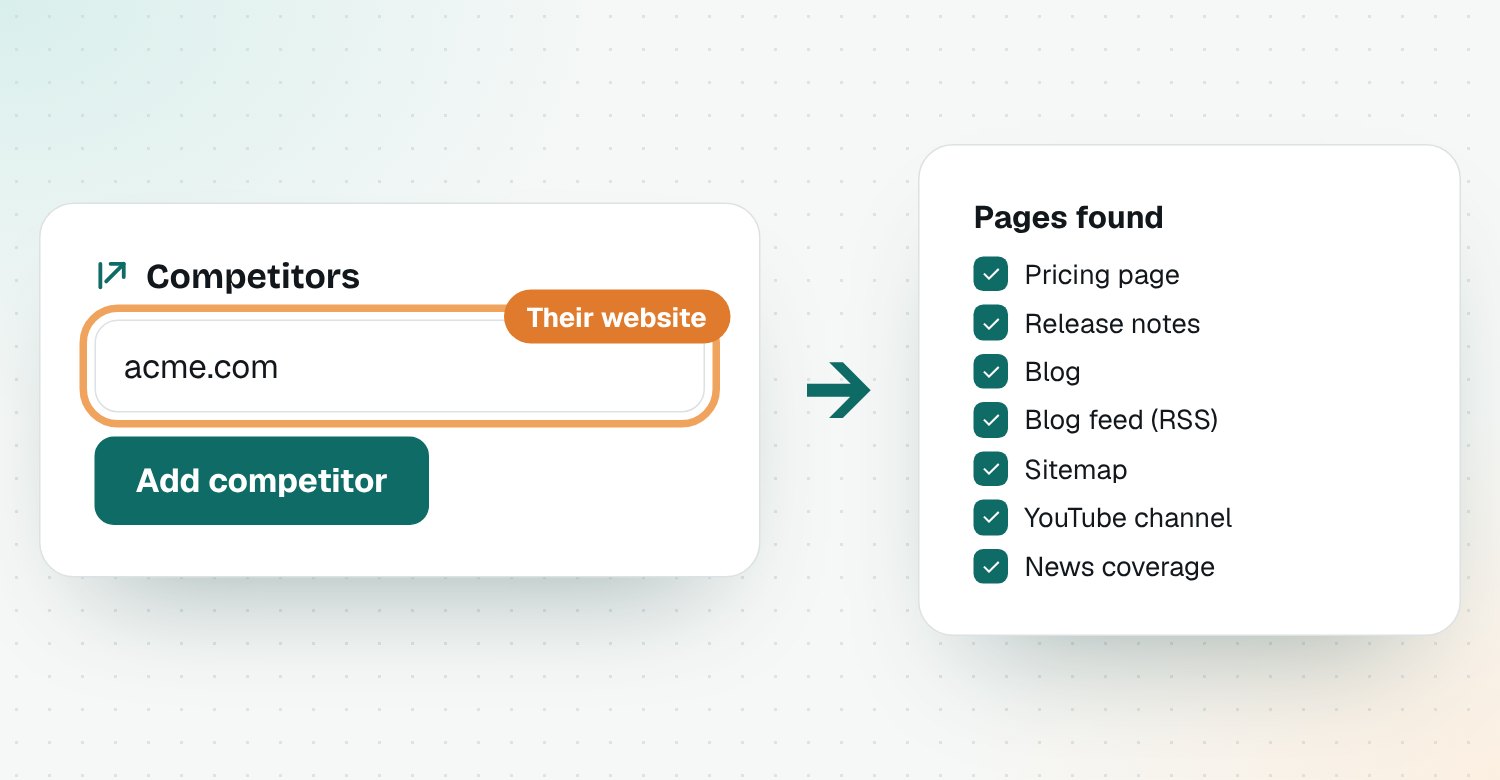
Riposte reads their site and finds these pages on its own:
| Page | Why it matters |
|---|---|
| Pricing page | Price and plan changes |
| Release notes / changelog | New features and launches |
| Blog and blog feed | What they publish and want to rank for |
| Sitemap | New and rewritten pages |
| YouTube channel | Demos, launches and webinars |
| News coverage | Funding, partnerships, press |
Add a page Riposte missed
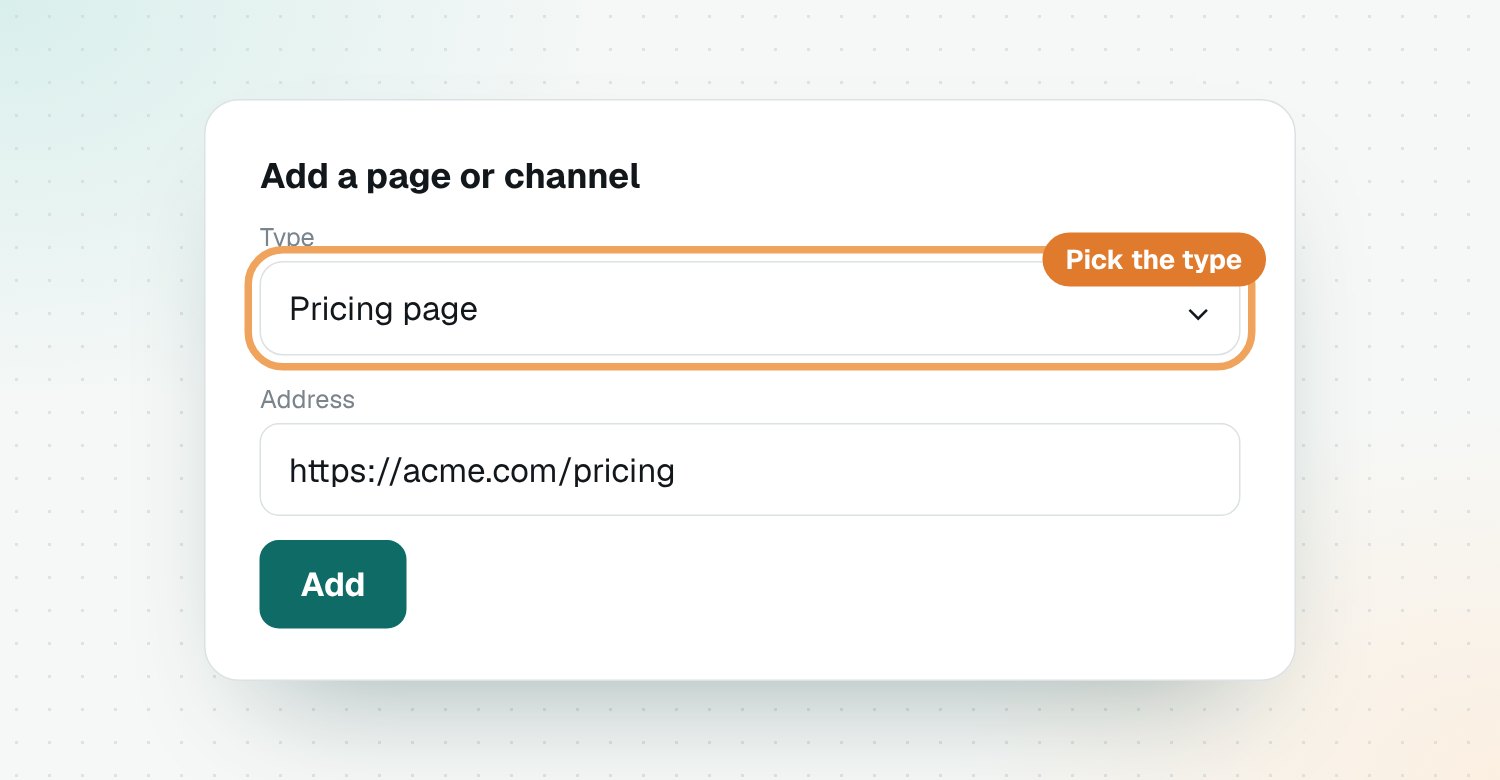
Open the competitor, scroll to Add a page or channel, pick the type (for example Pricing page or Other page), paste the address and save.
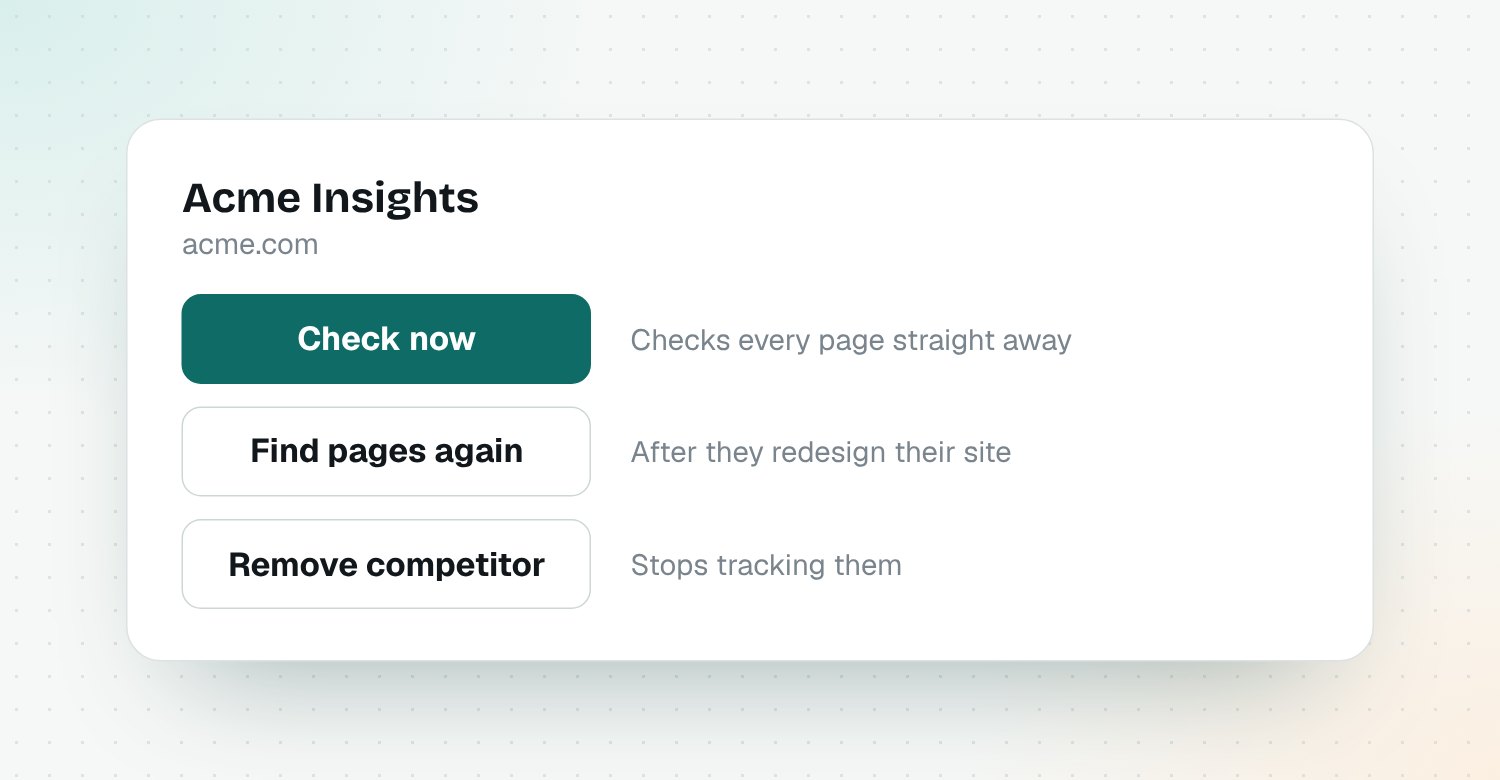
Useful buttons on a competitor
- Check now: checks every page straight away.
- Find pages again: looks for their pages again, for example after they redesign their site.
- Remove competitor: stops tracking them.
The first check is a baseline
The first time a page is checked, Riposte saves a copy. Changes show up from the next check on.
Questions
Which competitor pages does Riposte watch?
Their pricing page, release notes or changelog, blog, blog feed, sitemap, news coverage and YouTube channel, plus any other page you add.
What if Riposte can't find a page?
Open the competitor, use Add a page or channel, pick the page type and paste the address.
How often are competitors checked?
Every morning, automatically. Click Check now on a competitor to check it straight away.
How many competitors can I add?
Up to five during the beta. Remove one to add another.
What happens when I remove a competitor?
Riposte stops checking it and removes its pages and signals from your workspace.