Track competitors' YouTube channels
In short
Riposte finds a competitor's YouTube channel from their website, or you paste it. New videos become signals, explained for your product. See them under Social media, with the latest videos from each channel.
Find channels for all competitors
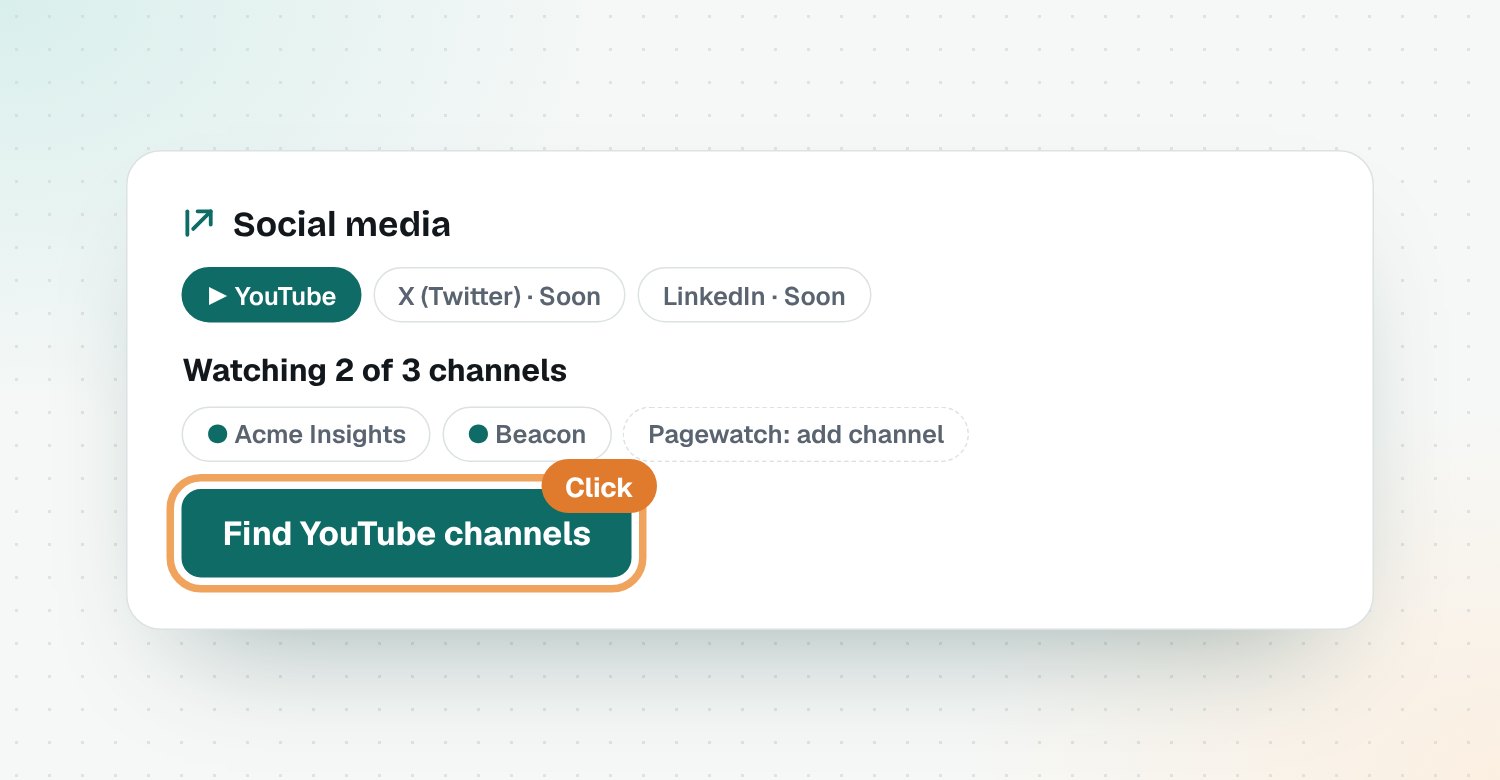
Open Social media and click Find YouTube channels. Riposte checks each competitor's website for a YouTube link, saves the channel and checks it straight away.
Add a channel yourself
If a competitor has no YouTube link on their site:
- Open the competitor.
- Under Add a page or channel, pick YouTube channel.
- Paste their channel link or @handle and save.
What you'll see
- Latest on their channels: the newest videos from each channel, with views and a Short label.
- Signals: each new video explained for your product, with what to do.

Questions
How does Riposte find a competitor's YouTube channel?
It looks for a YouTube link on their website, usually in the footer. If there isn't one, paste the channel link or @handle yourself.
Can Riposte track X (Twitter) or LinkedIn?
Not yet. X charges for its API and LinkedIn doesn't let apps read other companies' pages, so both are planned for later.
Which videos become signals?
New videos published after the channel was added. Riposte explains each one for your product and marks unrelated ones as noise.
Does Riposte show YouTube Shorts?
Yes, and they're labelled as Shorts.