Get started with Riposte
In short
Sign in, describe your product in four short fields, then add up to five competitors by their website. Riposte finds their key pages, checks them every morning, and explains each real change for your product with what to do about it.
Riposte watches your competitors and tells you what changed, why it matters for your product, and what to do. Here's the setup, start to finish.
Step 1: Sign in
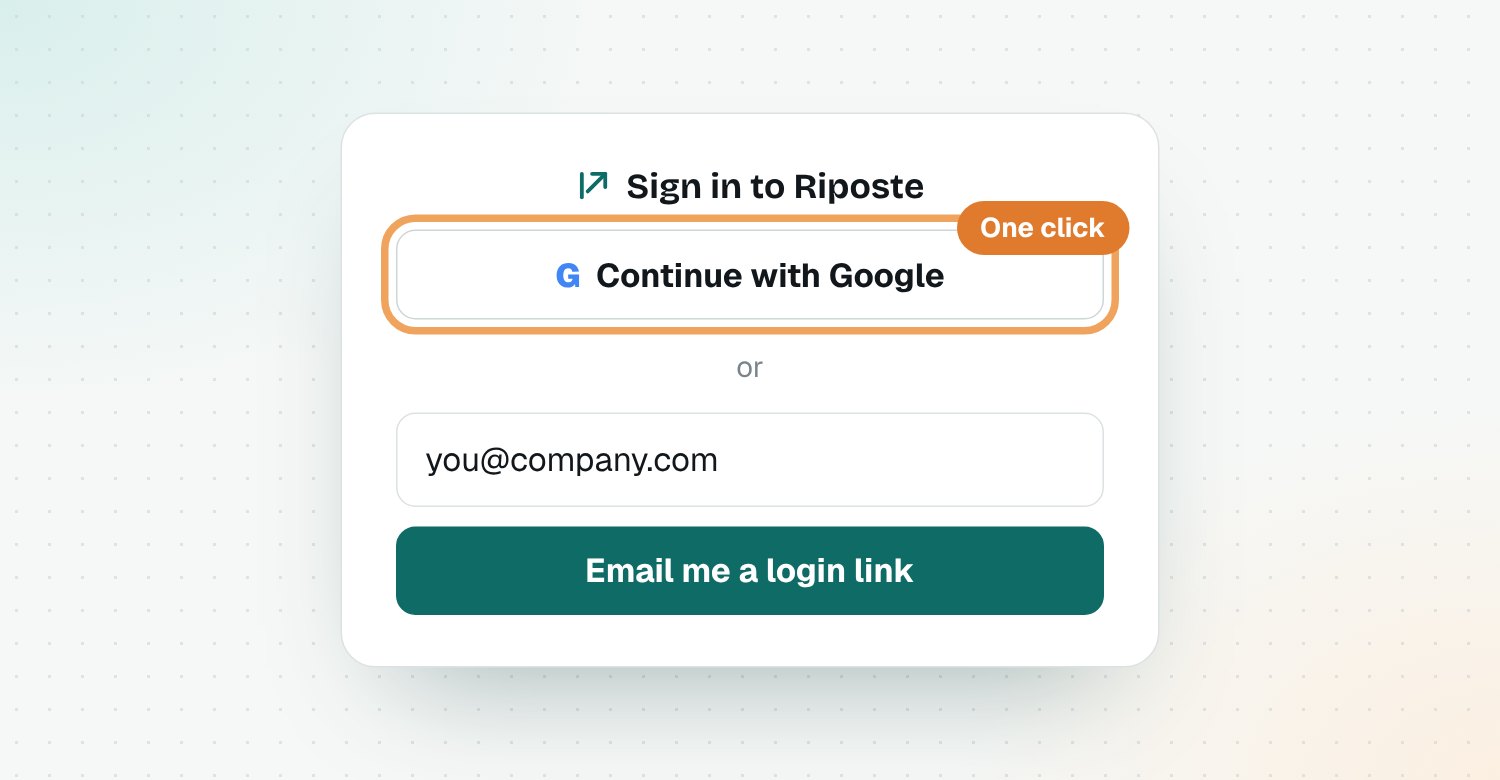
Open the invite email and sign in with Google or your email. You'll land on your feed, which is empty until you add competitors.
Step 2: Describe your product
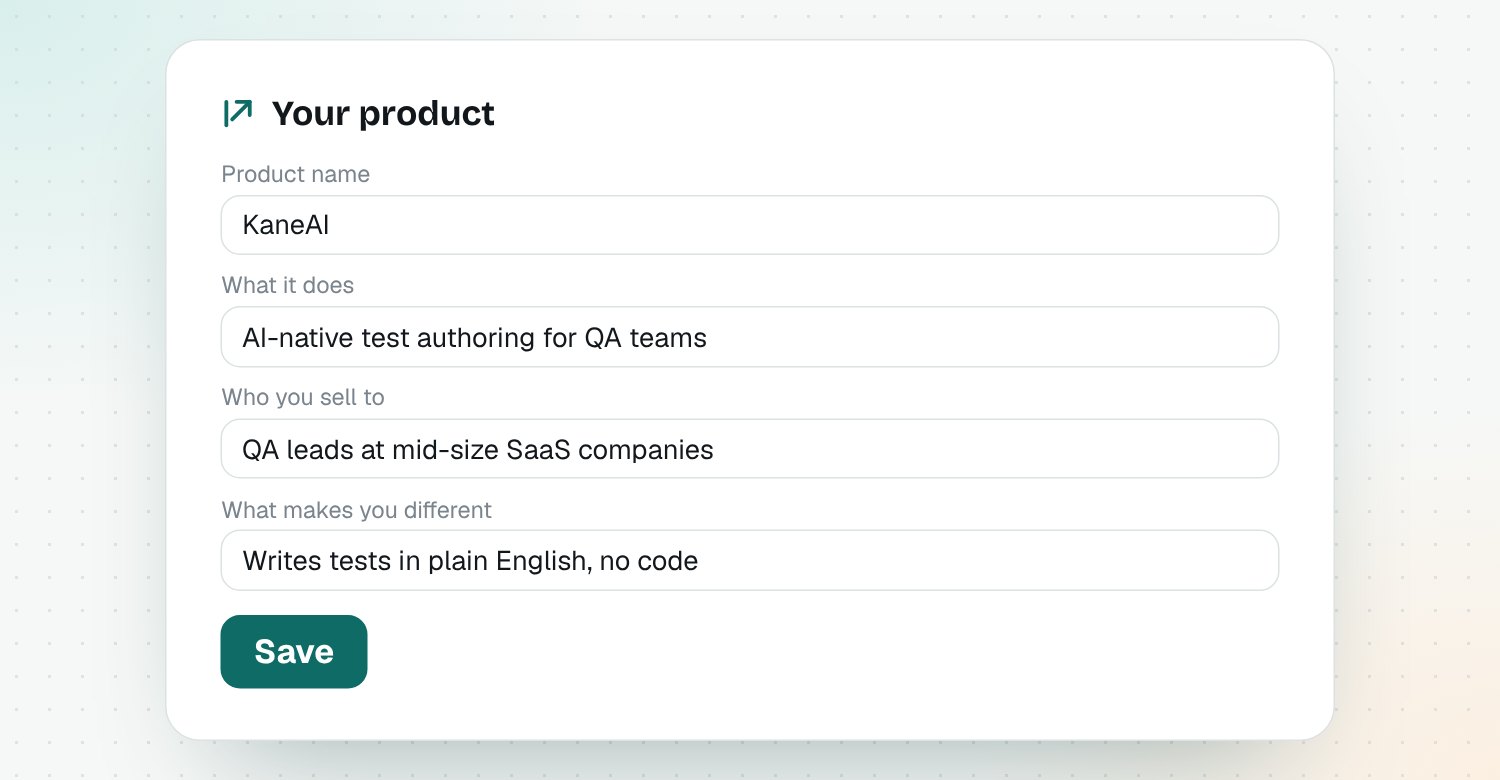
Open Your product and fill in four fields: product name, what it does, who you sell to and what makes you different. Every explanation and draft is written against these, so specific beats short.
Step 3: Add your competitors
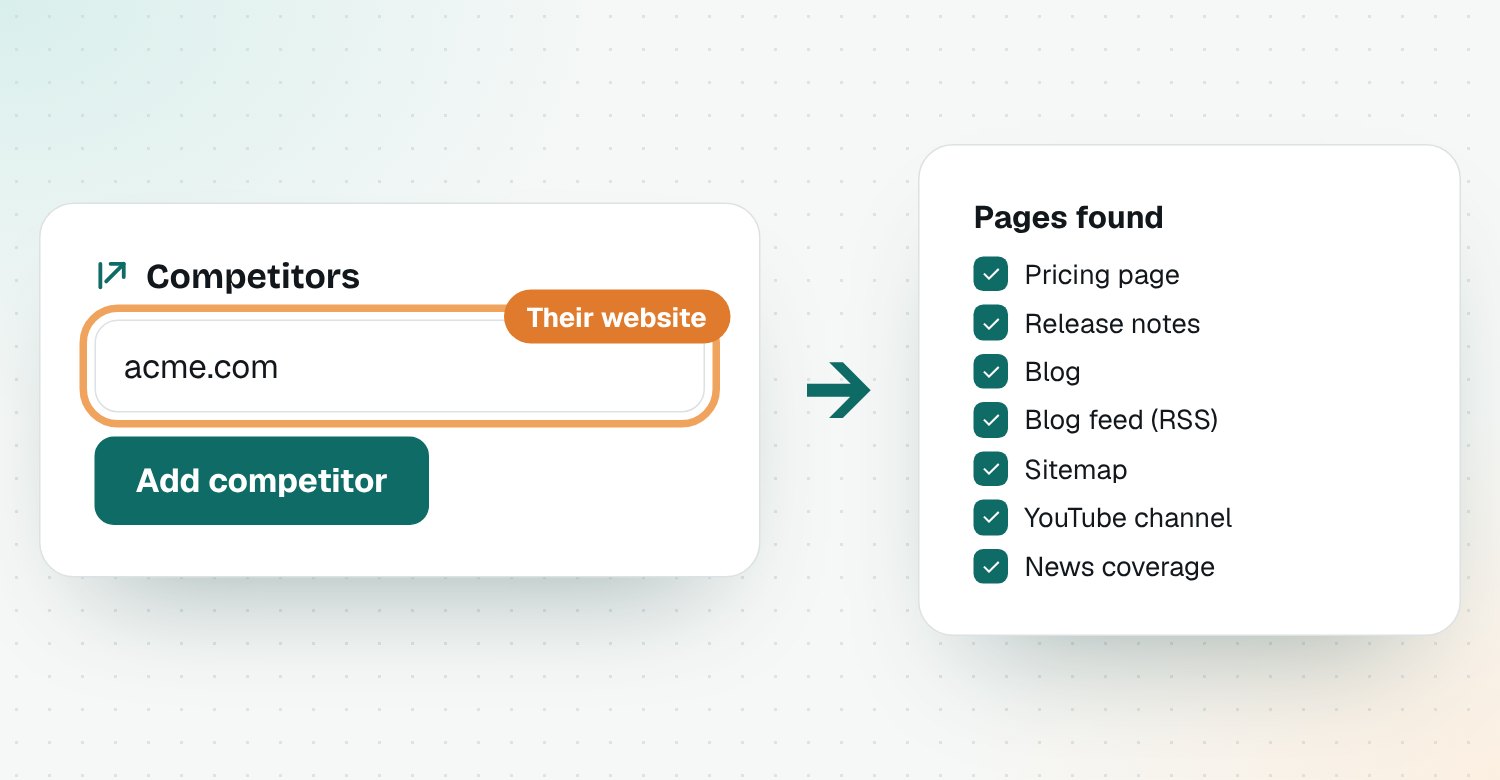
Open Competitors, type a competitor's website and click Add competitor. Riposte finds their release notes, blog, blog feed, pricing page, sitemap and YouTube channel on its own.
Start with the ones you lose to
Pick the two or three competitors that show up most in your deals. You can add more later, up to five during the beta.
Step 4: Run the first check
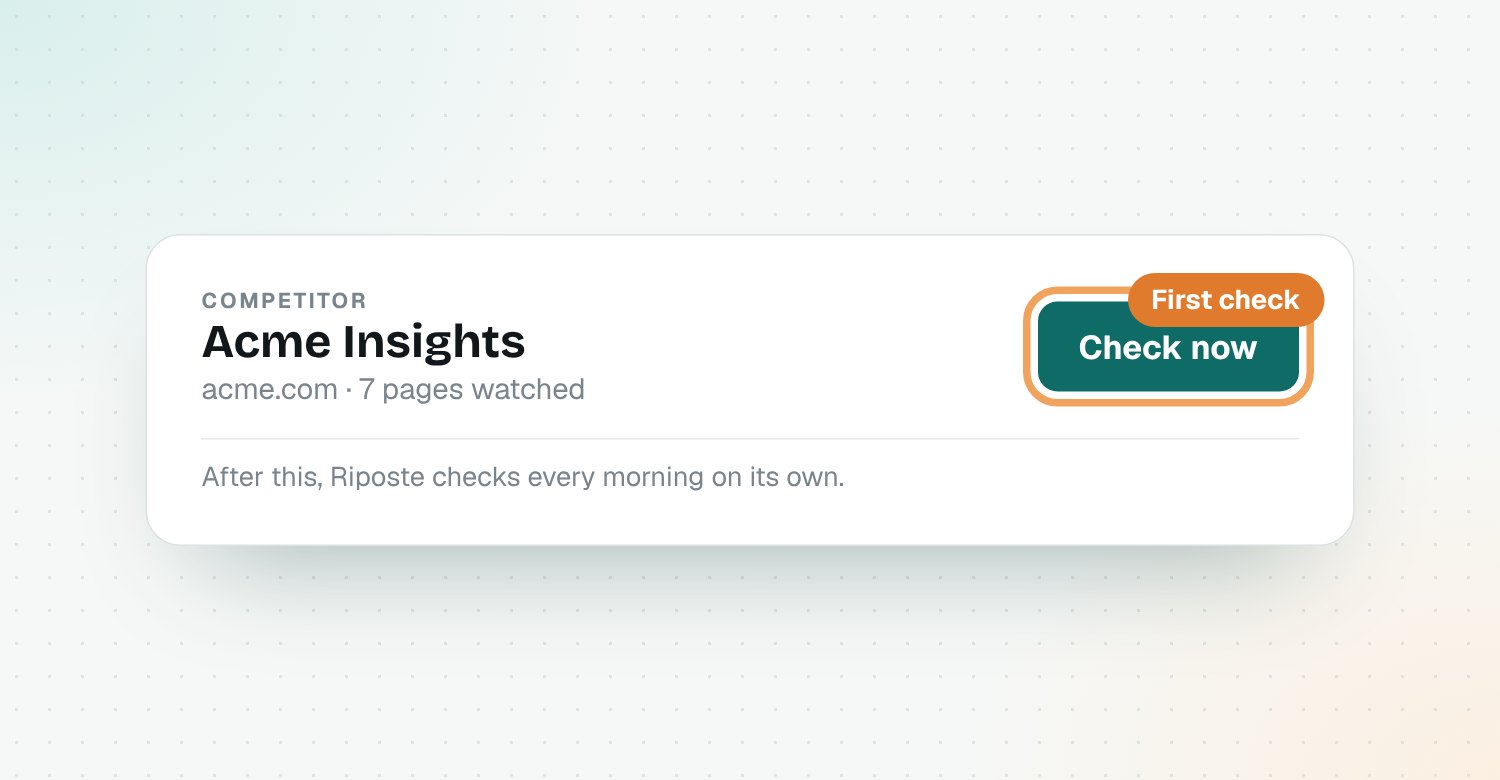
Open a competitor and click Check now. The first check saves a copy of each page. From then on, Riposte checks every morning and explains every real change.
Step 5: Read your feed
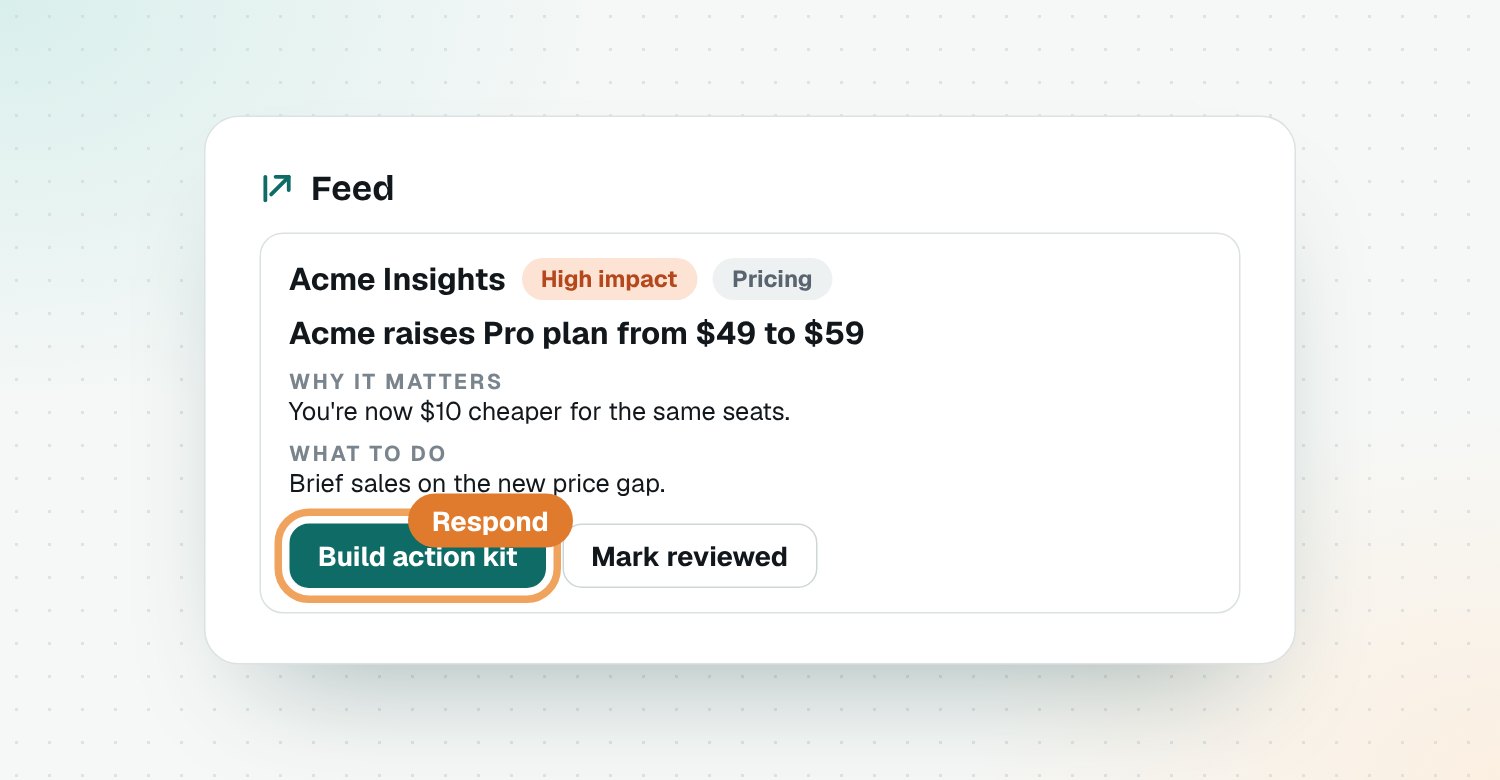
Changes show up in your Feed as signals: what changed, why it matters to you and what to do. Click Build action kit on any signal to get a ready response.
What's next
- Get alerts by email or in Slack
- Turn a change into a response with action kits
Questions
How long does it take to set up Riposte?
About 10 minutes: a few minutes to describe your product and a minute per competitor. Riposte finds each competitor's pages on its own.
How do I get access to Riposte?
Riposte is in an invite-only beta. Join the waitlist on useriposte.com, and you'll get an email when your invite is ready.
How many competitors can I track?
Up to five during the beta. Start with the ones you lose deals to most often.
When will I see my first signals?
Straight away if you press Check now on a competitor, otherwise after the next morning's check. The first check saves each page; changes show up from the next check on.
Is Riposte free?
Yes, Riposte is free during its beta.