Get alerts and the Monday summary by email
Updated 20 October 2026Open Alerts & account →
In short
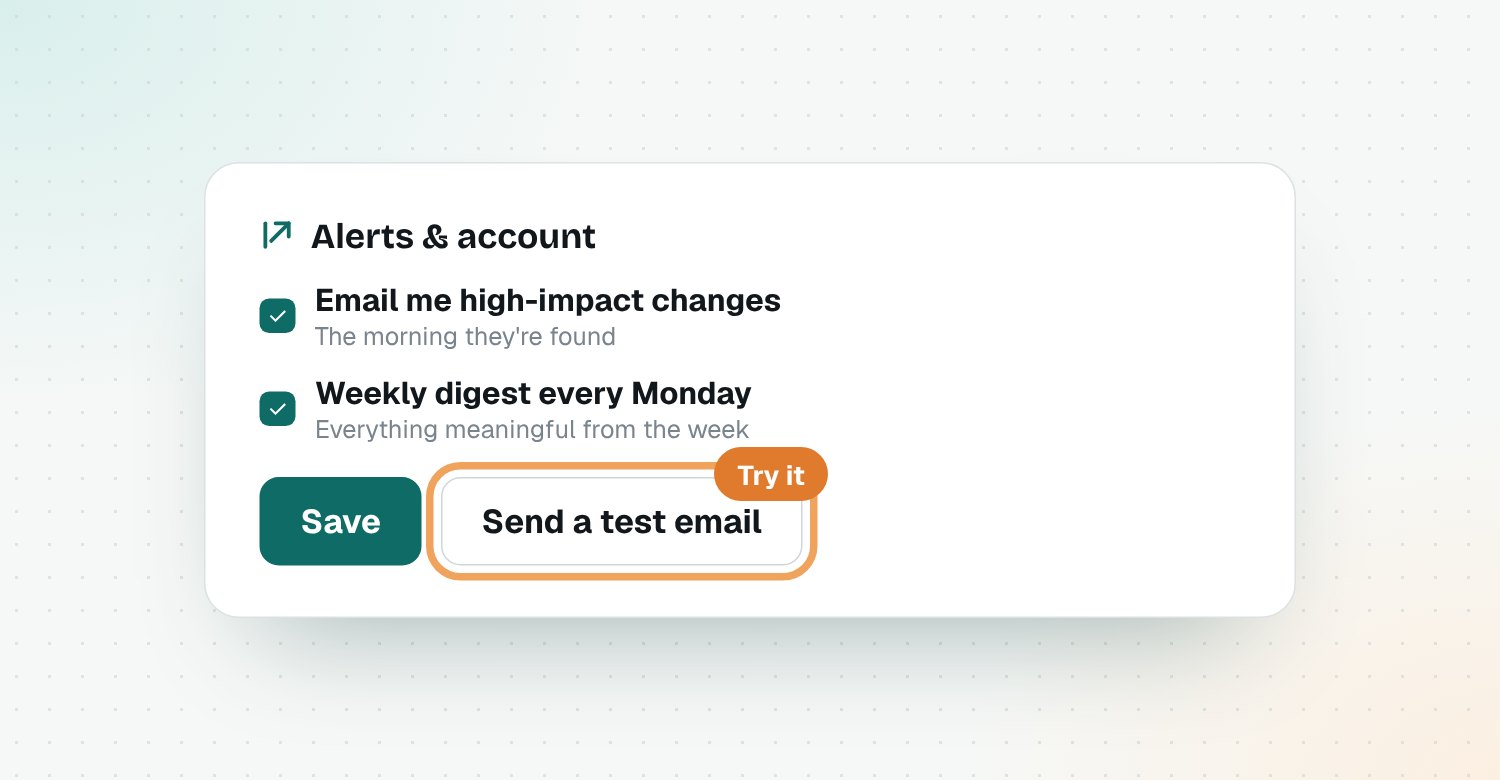
Open Alerts & account. Tick Email me high-impact changes and Weekly digest every Monday, then click Save. Use Send a test email to check it arrives.
On this page
Turn on email alerts
- Open Alerts & account.
- Tick Email me high-impact changes.
- Tick Weekly digest every Monday.
- Click Save.
Test it
Under Try it, click Send a test email, or Send this week's digest now to see a full summary.
Not arriving?
Check your spam folder, and add Riposte to your contacts so future alerts land in your inbox.
Questions
Which changes are emailed?
High-impact changes, the morning they're found. Everything meaningful from the week is in the Monday summary.
Where do emails go?
To the email address you sign in with.
Can I get alerts in Slack too?
Yes. Add Slack in the same Settings page and get the same alerts in a channel.
How do I stop the emails?
Untick the boxes in Alerts & account and click Save.
Related guides
Get competitor alerts in SlackGet competitor changes posted to a Slack channel: what changed, why it matters and who does what. A step-by-step guide to connecting Riposte to Slack.Read your feed and signalsHow to read Riposte signals: what changed, why it matters for your product, what to do, impact levels, and how to review, dismiss or act on them.