Describe your product
In short
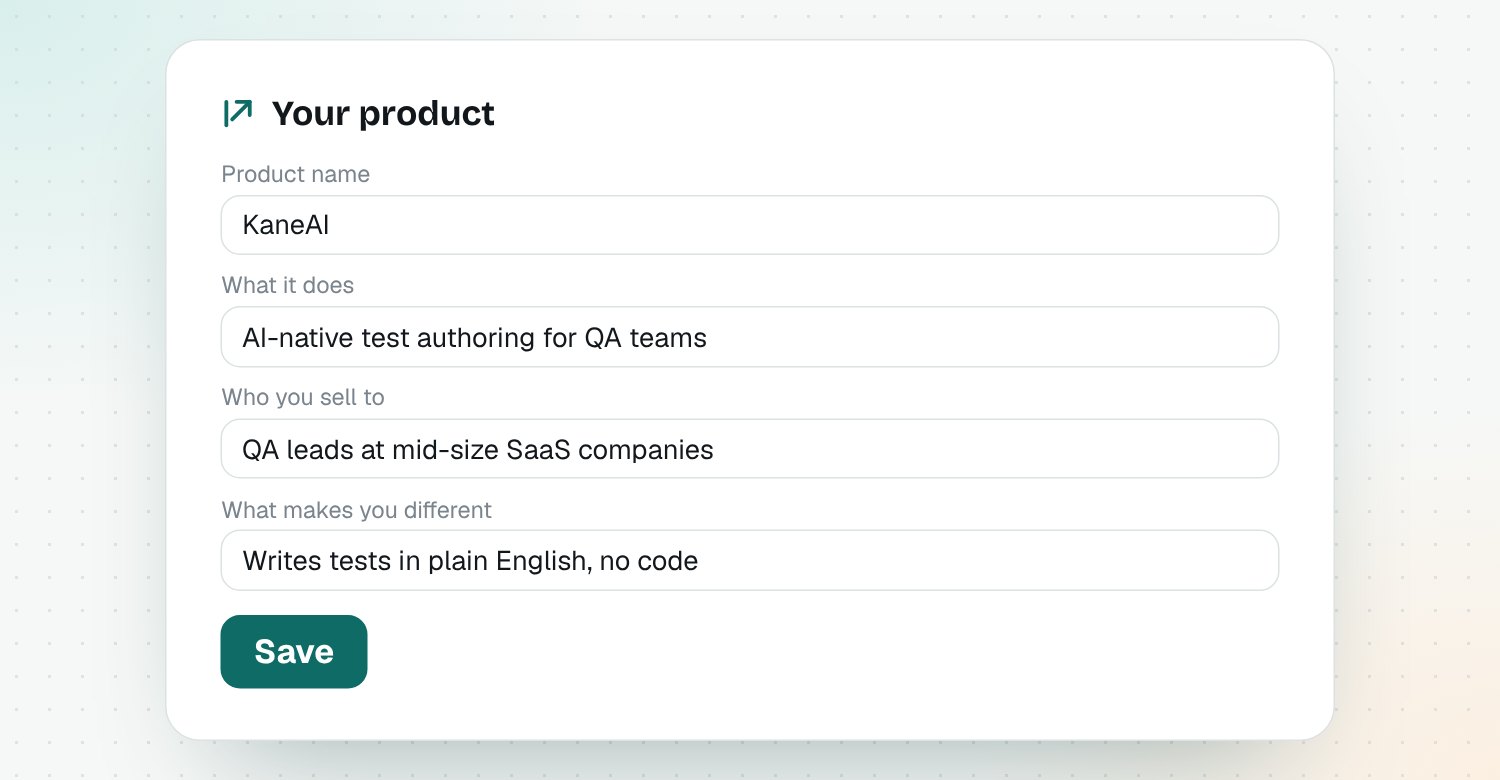
Open Your product and fill in four fields: product name, what it does, who you sell to and what makes you different. Add files like a pitch deck or battlecard to the knowledge base for even sharper advice.
Every signal, draft and comparison in Riposte is written for your product. This page is where you tell it what that is.
The four fields
| Field | What to write | Example |
|---|---|---|
| Product name | Your product's name | KaneAI |
| What it does | One line on what it does | AI-native test authoring for QA teams |
| Who you sell to | Your buyer | QA leads at mid-size SaaS companies |
| What makes you different | Two or three real differences | Writes tests in plain English, no code |
Click Save when you're done.
Be specific
"For marketers" is too wide. "For product marketers at B2B SaaS companies with 50 to 500 people" gives much sharper advice.
Add files to the knowledge base (optional)
Upload a PDF or Word file, such as a pitch deck, positioning doc, battlecard or pricing sheet. Riposte reads it and uses it when it explains changes and writes drafts.
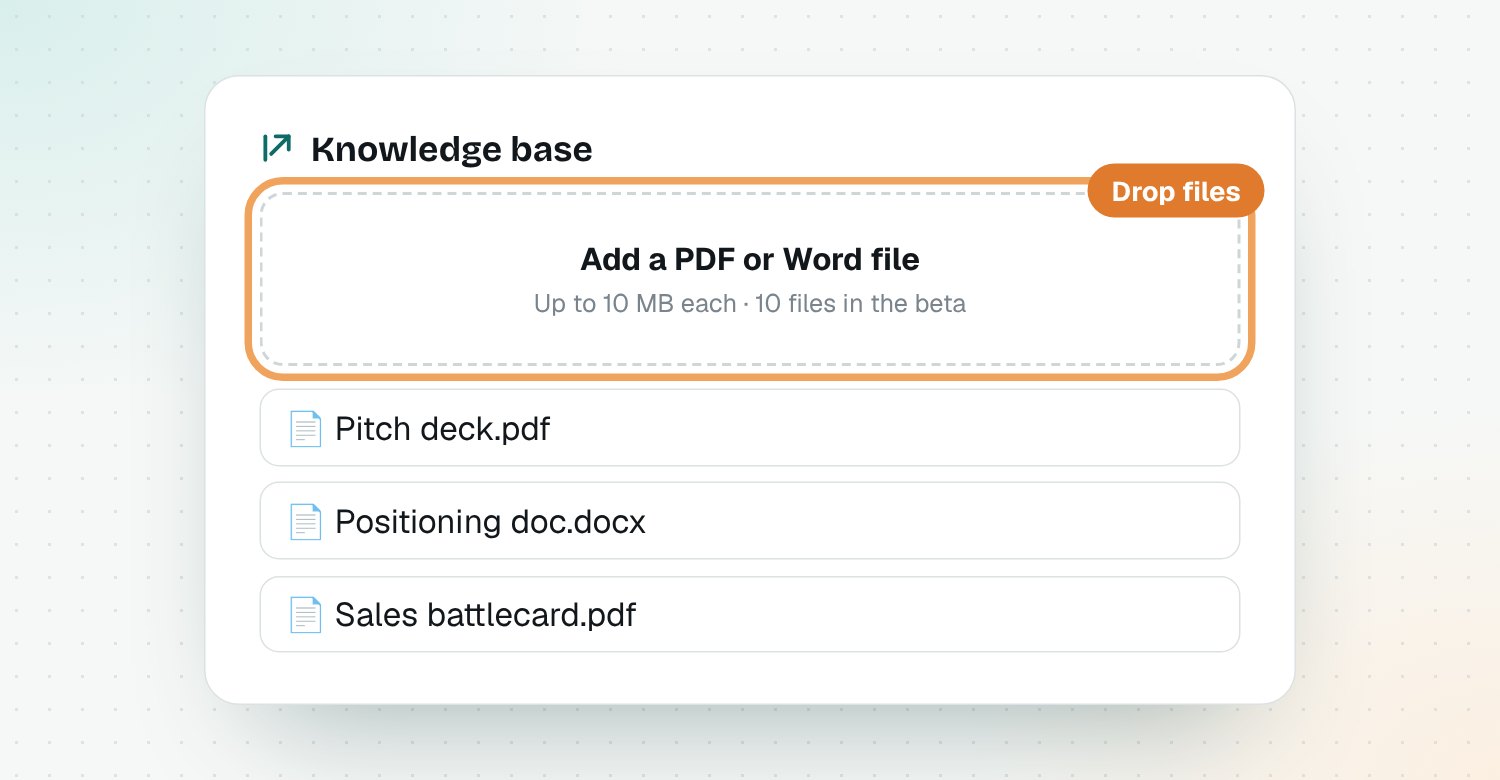
- Up to 10 files during the beta
- Up to 10 MB each
Questions
Why does Riposte need my product details?
So it can judge every competitor change against your product. The same price change can matter a lot to one company and not at all to another.
What files can I add to the knowledge base?
PDF and Word (.docx) files up to 10 MB each, such as a pitch deck, positioning doc, battlecard or pricing sheet. You can add up to 10 during the beta.
Do I have to add files?
No. The four fields are enough to start. Files make the explanations and drafts more specific.
Can I change my product details later?
Yes. Edit them any time, and new signals and drafts use the latest version.
Who can see my product details and files?
Only you. They're used to write your explanations and drafts and aren't shared with other Riposte users.